Start with a template or from scratch
Begin with a ready-made template or create the composition from scratch.
MOX Editor is a browser-based motion graphics editor with a timeline, layers, keyframes, templates, media import, and export.
MOX Editor is a browser-based editor for creating professional motion videos. It brings scenes, a timeline, layers, keyframes, text, media, templates, and export into one workspace.
Start with a template or from scratch, customize the motion, and export the result.
Begin with a ready-made template or create the composition from scratch.
Use scenes, layers, timing, and keyframes to control how the video develops.
Review the result and export a finished motion video.
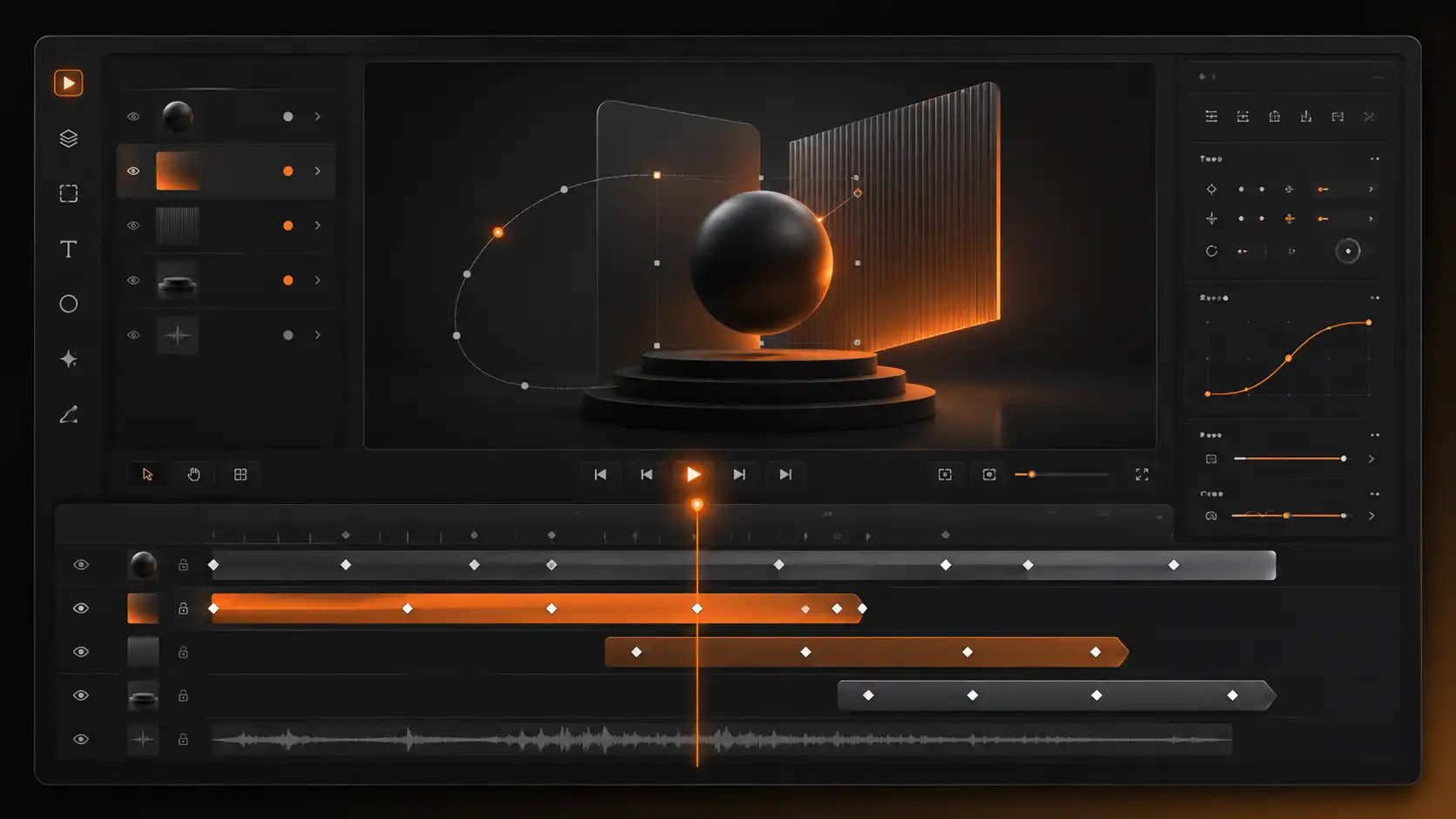
Arrange scenes, control duration, and refine the sequence over time.
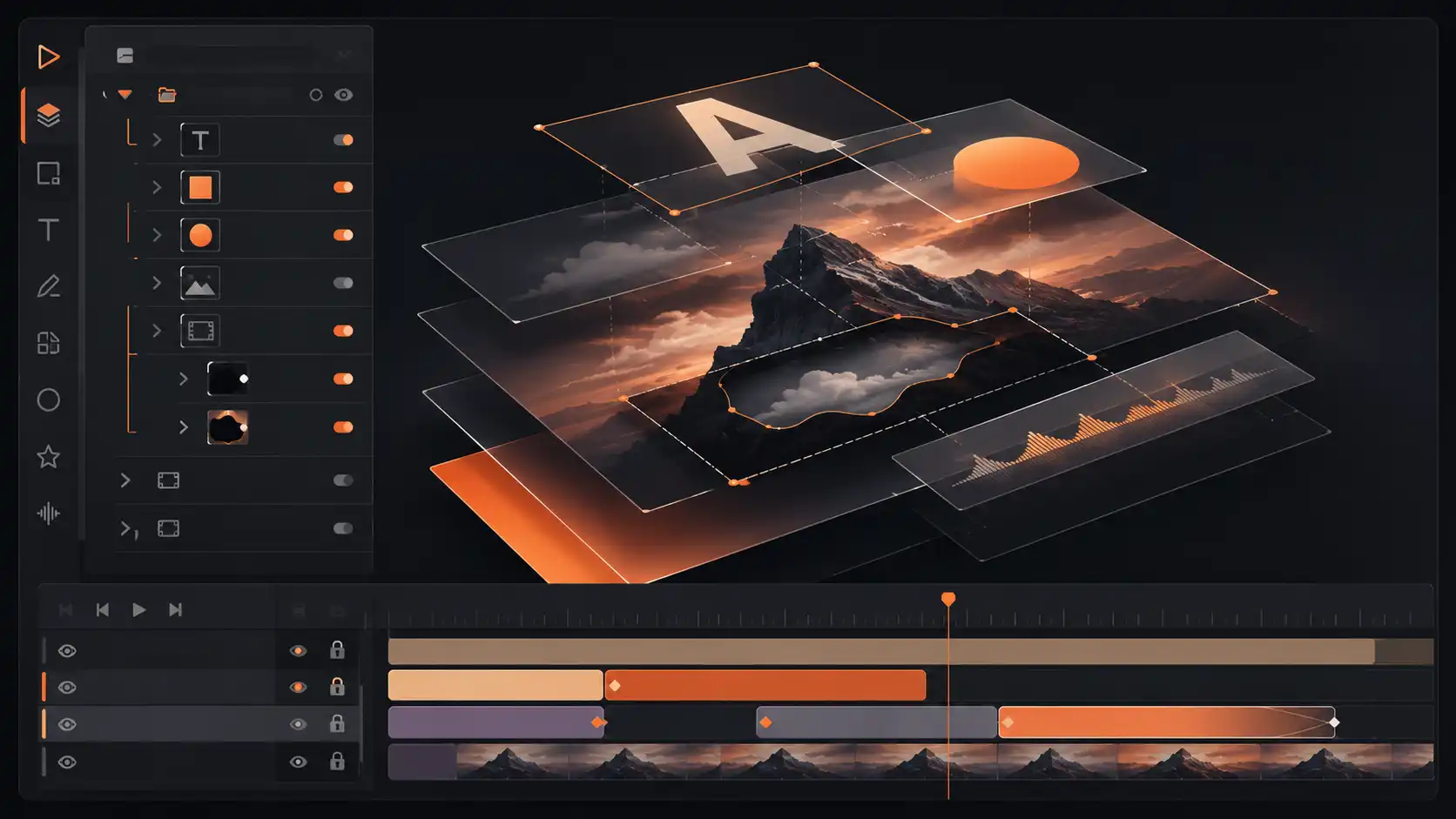
Organize text, media, and visual elements inside the composition.
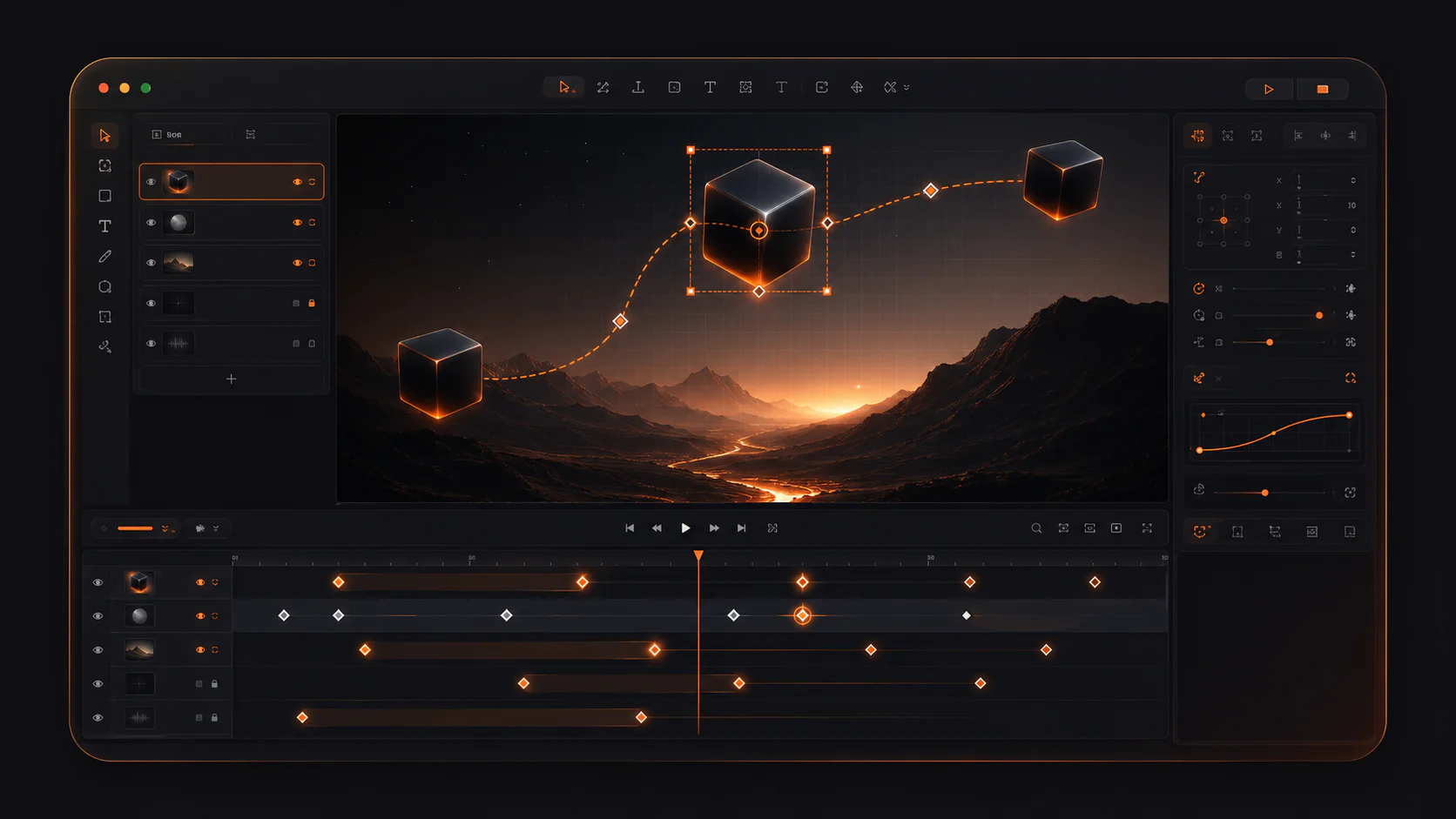
Control movement and property changes at precise points in time.
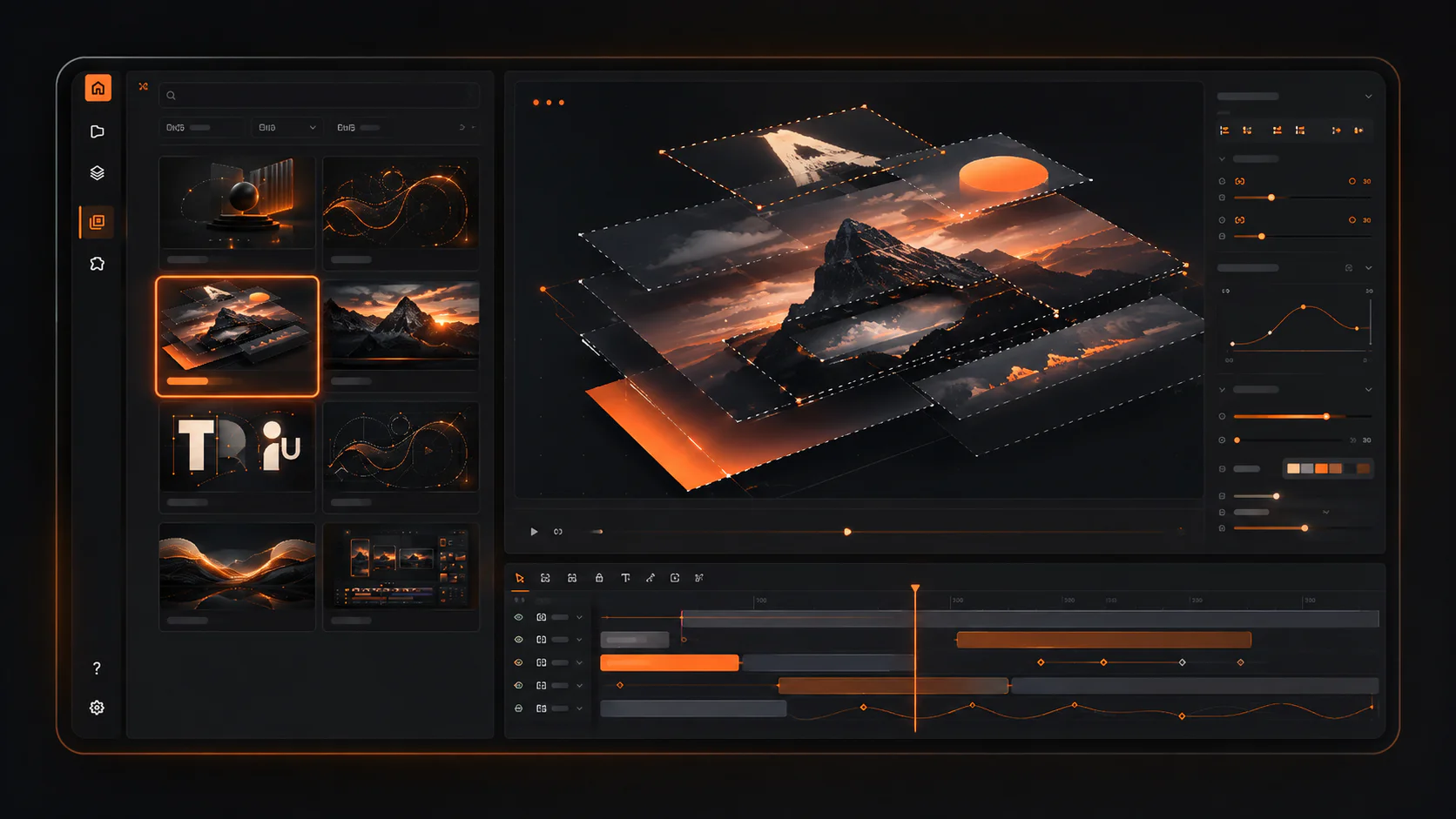
Start faster with a professional structure from the MOX Library.
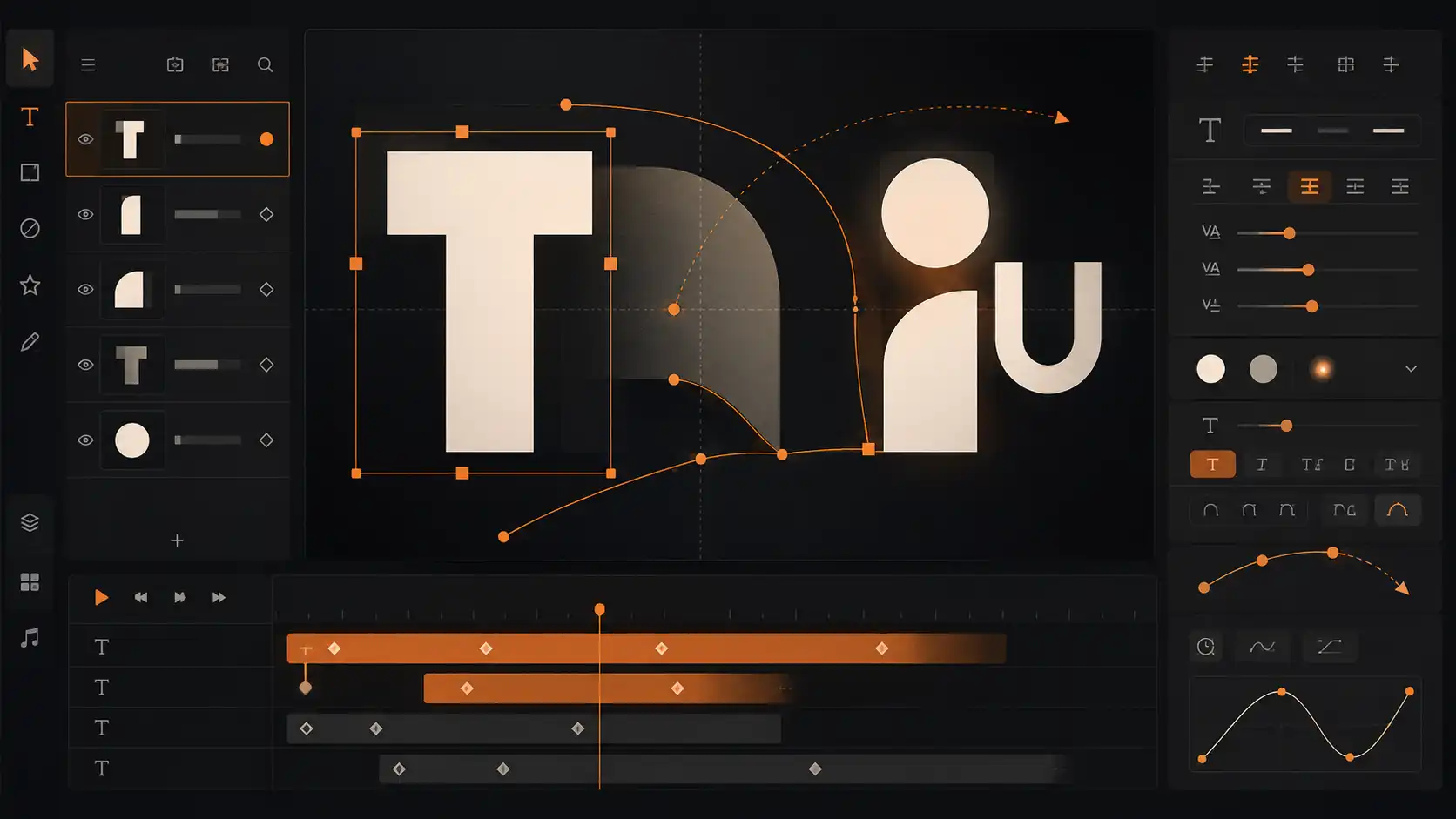
Edit text and add your own media through the editor workspace.
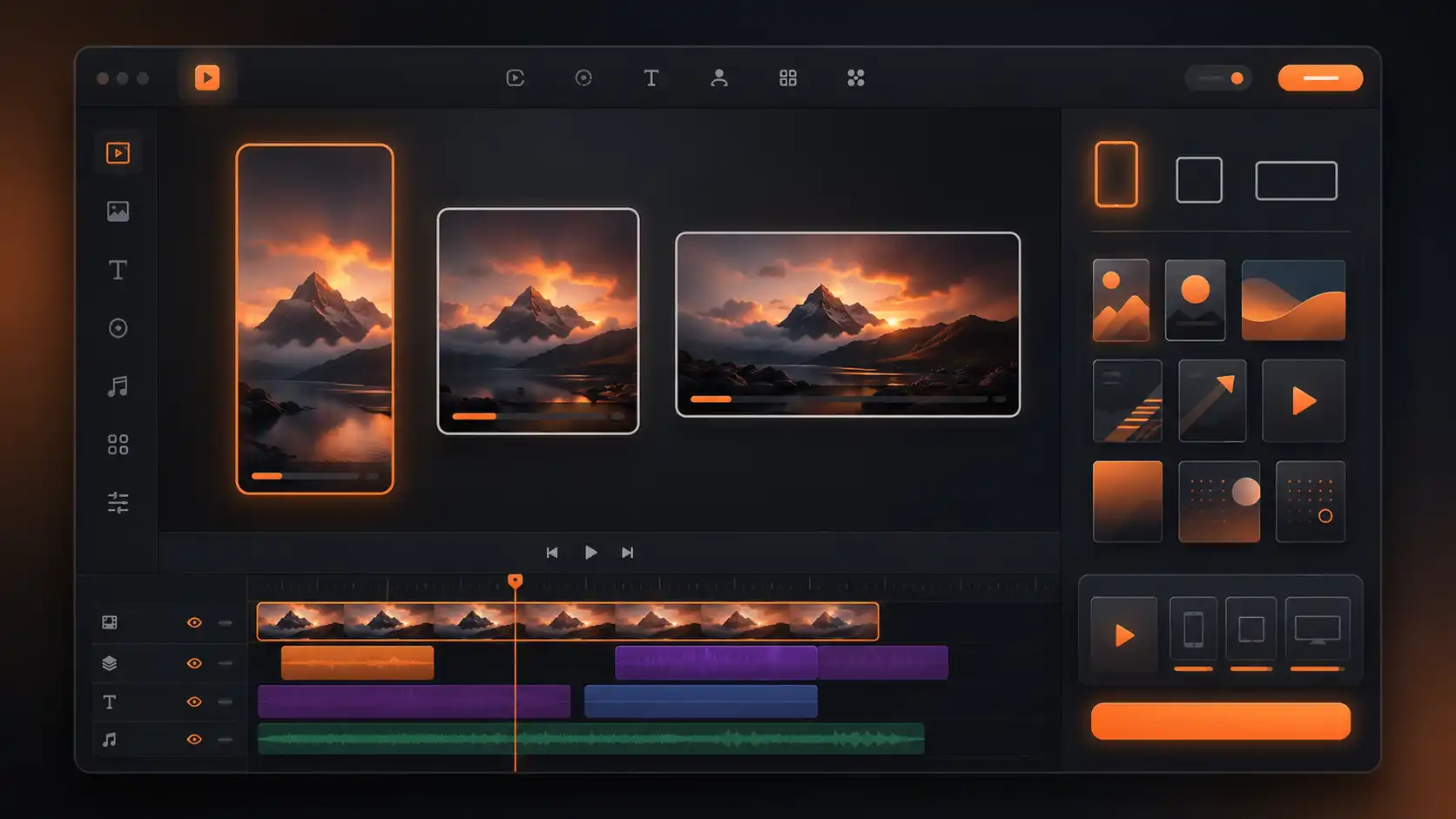
Review the result, choose the available output settings, and export your video.

For campaign videos, product messages, and branded social content.

For a focused visual workflow with timing, layers, and keyframes.

For polished videos without building a large production process.

For launches, stories, promos, and regular motion content.
Choose a template or start from scratch
Build and arrange scenes
Customize text and media
Refine timing and motion
Export the finished result
Core MOX Editor technical details, from project and import formats to export and storage.
For stable operation, we recommend the latest version of Google Chrome on a desktop computer.
No. MOX Editor works directly in your browser, so there is no separate software to install.
No. You can start using MOX Editor without previous motion design or professional video editing experience. The Editor is designed to let you learn and create directly inside MOX.
Yes. In MOX Editor, you can either create a project from scratch or start with a ready-made template.
In MOX Editor, you can edit text, images, video, colors, layers, scenes, timing, animation, the timeline and keyframes. You can also manually control the structure and motion of your project.
Yes. MOX Editor lets you upload your own images, video, audio, SVG and other commonly used modern media formats. Support for additional formats is continuously being expanded.
Yes. In MOX Editor, you can use ready-made templates and animations, or create and configure your own animations from scratch.
Yes. MOX Editor supports autosaving. You can choose the autosave interval that works for you and return to a saved project later to continue editing.
MOX currently supports export to MP4, PNG and WebP. Additional export formats will be added over time. Available export options and limits may depend on your plan.
Yes. Exports on the Free plan include a watermark. The watermark is removed on every paid plan.
Yes. On any paid MOX plan, exported videos and other exported outputs can be used commercially — including for business, advertising, social media and client projects.
A mobile version is planned for a future release. MOX Editor is currently intended for browser-based use on desktop devices.
Contact us at hello@mox.vision and describe the issue. MOX Editor is currently in beta, so user reports also help us identify unusual cases and improve the product.
Start with a template or create a project from scratch — directly in MOX Editor.